Most conference weeks, I come home with a notebook full of “we’ll see.”
This time I came home with a notebook full of “I want to try that.”
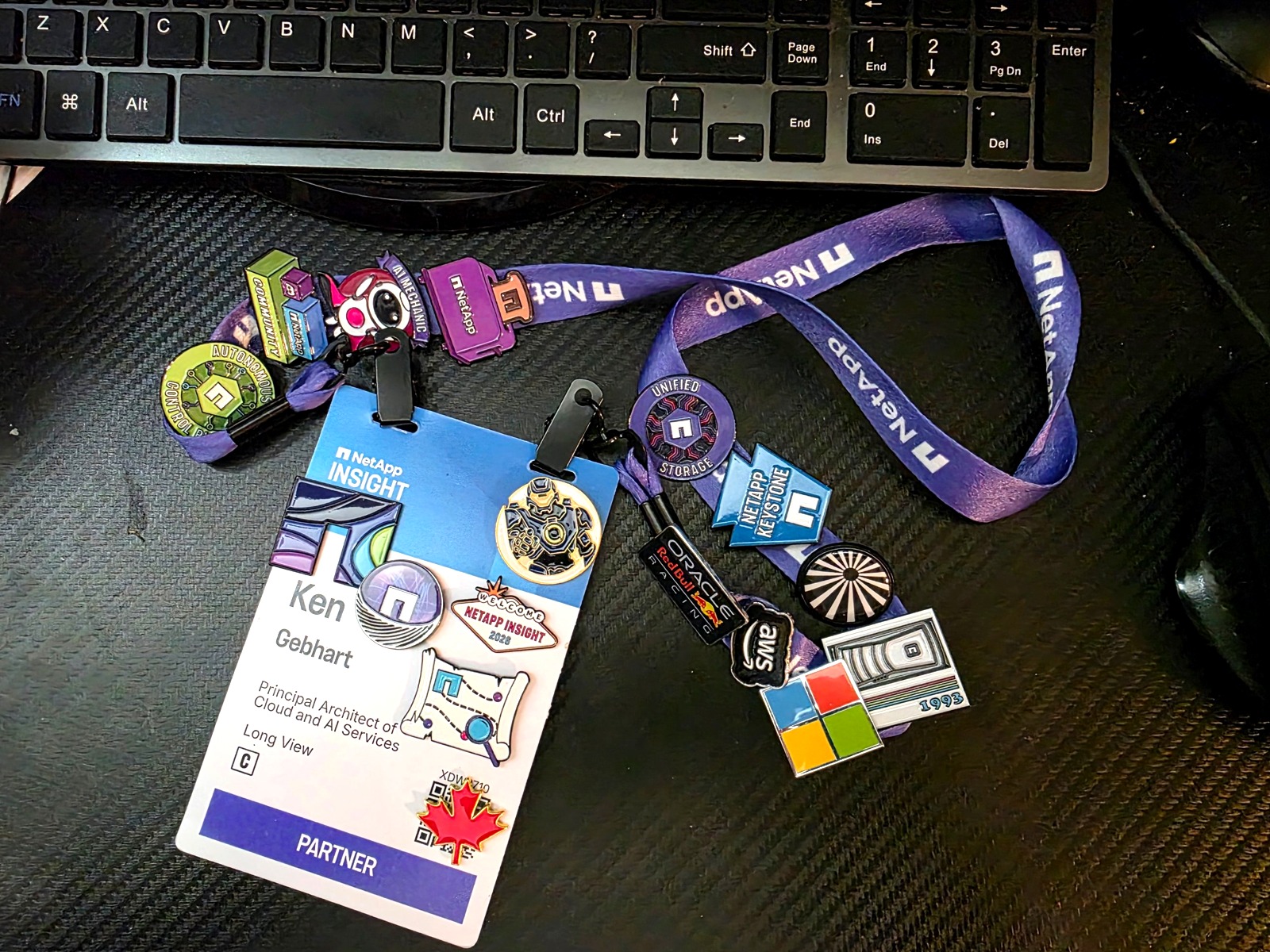
I spent two days at NetApp INSIGHT 2026 in Las Vegas, and a lot of what
I saw sat right where I live: AI infrastructure, agents, and keeping
data safe. Here’s what stuck.
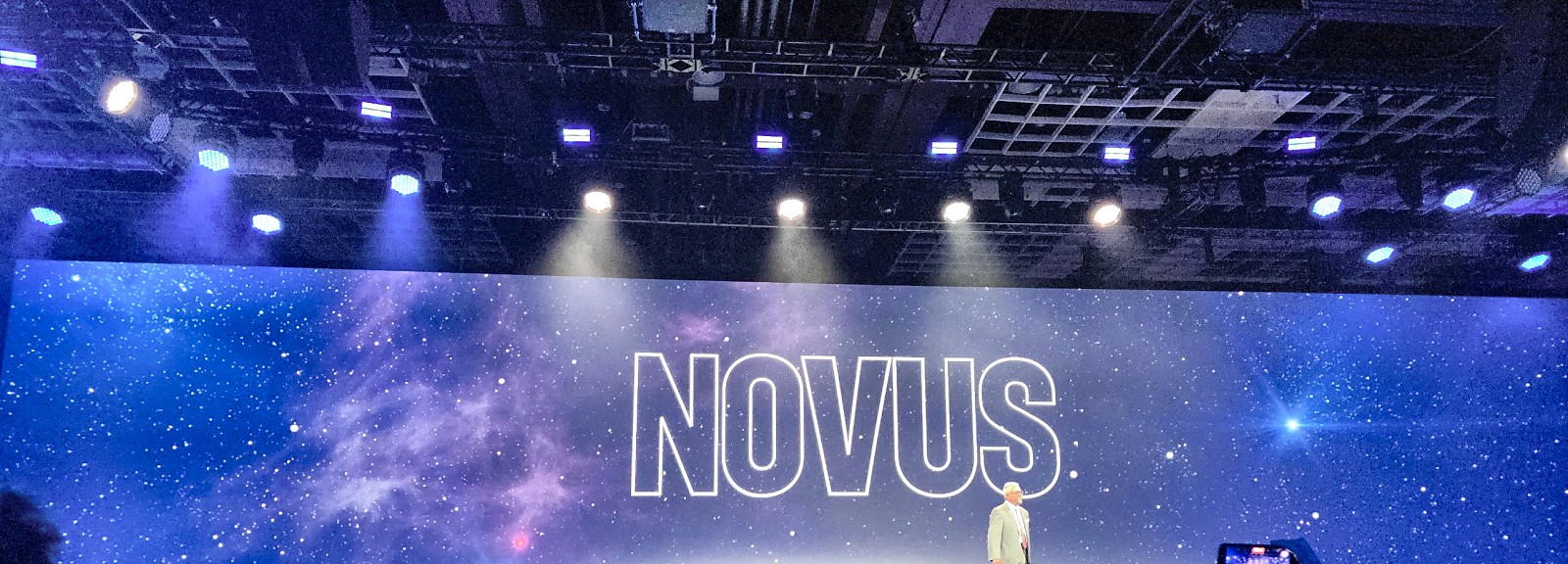
The big one: NOVUS
Imagine you have tens of thousands of GPUs, all hungry. Everybody talks
about bandwidth. NetApp’s pitch is that the real wall is metadata: all
the “where is this file and who can touch it” bookkeeping that happens
before any data moves.
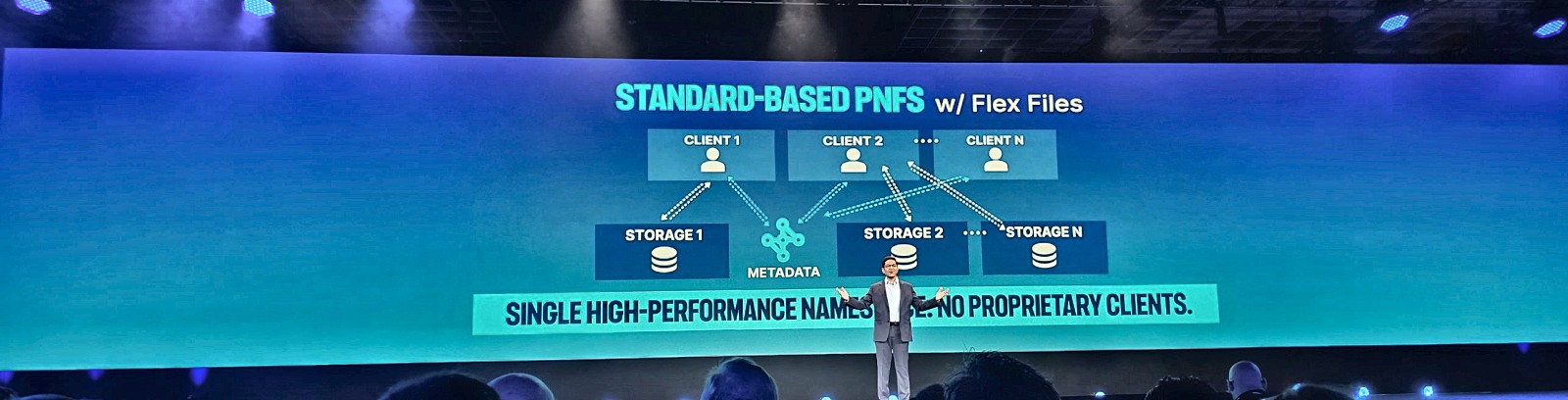
NOVUS is NetApp’s answer. It splits metadata away from data, joins many
ONTAP clusters into one giant namespace, and does it with standard pNFS,
so your Linux clients don’t need a special driver. They talked about 100
TB/s in a single namespace, 31% lower storage power, and a first
release that could start deploying as early as next month. I’ll probably
never get hands-on with something at this scale (how many zettabytes are
there in all of Canada, where many of my clients live?), but I can’t
wait to see real-world benchmarks when this hits actual AI factories.
What really caught my attention was what comes after: keeping a model’s
KV cache (its working memory) on storage so it doesn’t have to be
recomputed. NetApp cited lab results of up to 20x faster time to first
token. Storage stops being the place data sleeps and becomes part of how
the model thinks. That’s cool, and if the numbers hold up, a real shift
in how we think about storage.
Metadata for everything, even storage that isn’t NetApp
The AI Data Engine’s metadata capability now works on other vendors’
storage too, and NetApp said it’s free for the first six months. If you
have a mountain of unstructured data and no idea what’s in it, that’s a
very easy experiment.
One platform everywhere
I like seeing real customers talk, and this week had good ones. Ford
walked through about a decade of consolidating its storage. GSK
described running the same operating model across on-prem and two public
clouds. SAP talked about sovereignty as something you design for, not
bolt on.
New stuff in this area that I’m keeping an eye on: NetApp on Oracle
Cloud Infrastructure (the fourth major cloud), Console Local for sites
that can’t touch a SaaS control plane, Shift for converting VMs in place
(NetApp cites conversions in under ten seconds, and the session demo
converted 12 TB of disks in about a minute), and native Iceberg support
for object storage.
Agents with seatbelts
This was my favorite thread, and it showed up in session after session.
One customer IT team hooked ServiceNow tickets to MCP-routed agents and
gets a first-pass root cause analysis in under five minutes, where it
used to take 15 to 60-plus minutes. Accuracy went from about 70% to
about 85%, humans still check everything, and they won’t allow automatic
fixes until it’s 95%+. That is the right way to do this.
Then there were the guardrail ideas, which I plan to steal (or I mean
implement 😉) right away:
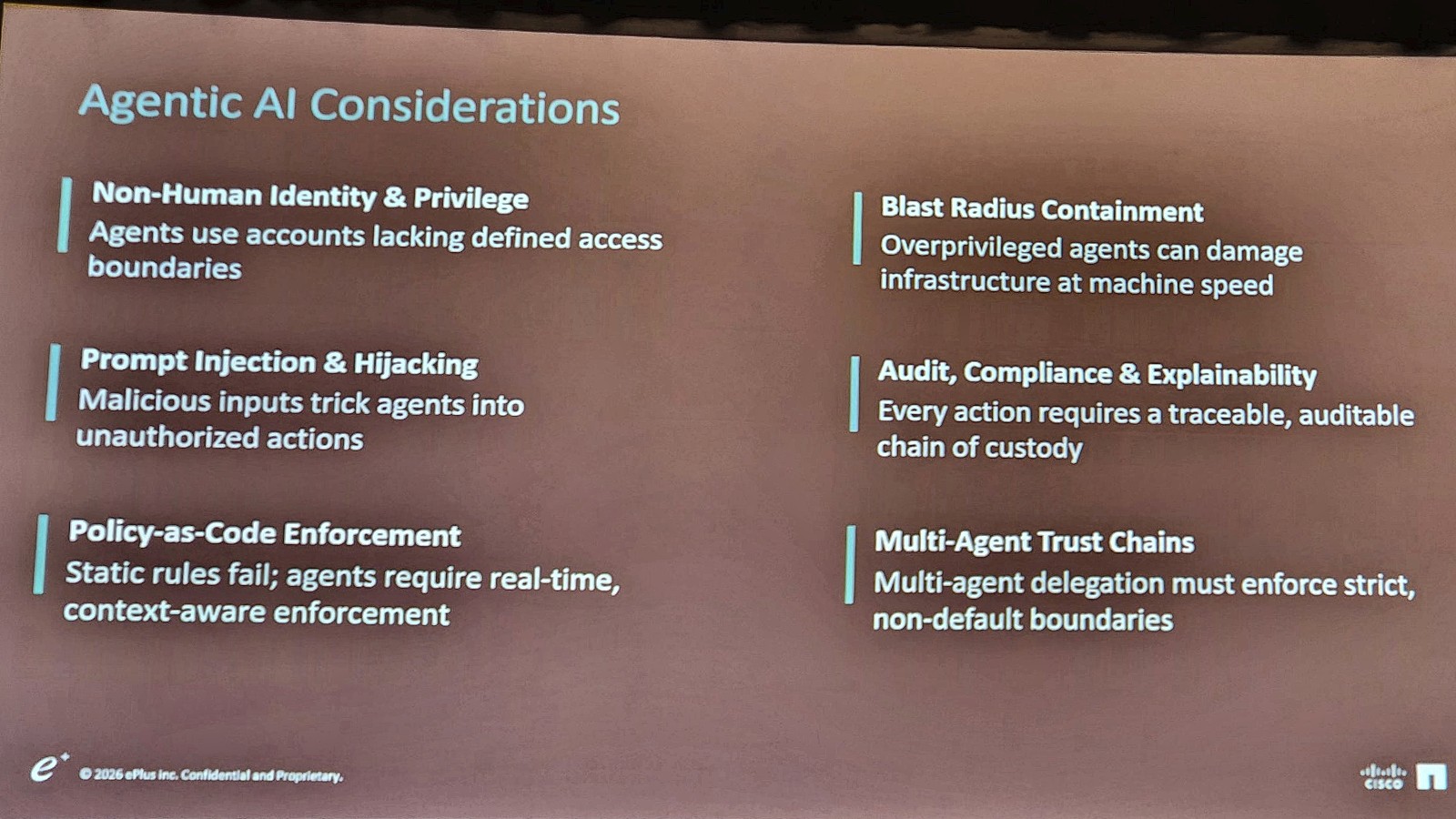
- Treat every agent like a new privileged employee, with its own scoped
identity and only the minimum privileges it needs (least privilege). - Use multi-admin approval so an agent can clone a volume but can’t
delete one on its own. - Build a separate AI lab to prove agent behavior before production.
News Corp did exactly that. - ePlus’s blast-radius example: one agent changing SNMP settings on 500
switches in seconds. Scary, and a great reminder why least privilege
matters.
Ransomware protection that’s already on
Learning that Autonomous Ransomware Protection will be on by default
when you upgrade to ONTAP 9.18.1 made me smile. Detection happens in the
storage layer, snapshots fire on suspicious entropy, and SnapLock keeps
immutable copies that even an admin can’t delete. Add a cyber vault, a
Commvault or Veeam protected copy and an optional clean room, and you
get a much more credible recovery story. (If backups versus DR still blur together for you, I wrote about why you need both.) You do get a 12-hour grace
period to opt out after the upgrade, but please have a VERY good reason
before you turn it off. This is one of your last lines of defense
against a ransomware attack.
The sleeper hit: start with evidence
NetApp’s partner services team showed a short “Workload Analysis for AI”
workshop that scores how a new inference load would affect your existing
infrastructure. Traffic-light output, measured data only. It’s not
flashy, but it’s the kind of thing that keeps AI projects from falling
over after the demo.
What I’m going to try
I am looking to implement the above guardrails and new NetApp
capabilities into my near future designs after I have vetted in a lab
that they are ready for prime time (and based on my track record with
NetApp in the past, they likely already are good to go once they hit GA
release.) I am already working with our teams to design and deploy
sovereign AI solutions for private cloud deployments leveraging some of
the new geeky goodness that is available today.
The caveat: some of what was announced was a roadmap or preview, and
I’ll hedge until I can test it.
I hold NVIDIA’s NCP-AII and NCP-AIO certifications, but I haven’t built
a lot of this hands-on yet. I’d like to change that. So, if someone has
a spare NVIDIA DGX SuperPOD hanging around, or a NOVUS-enabled AI
factory that you would let me experience, I would be ever so grateful.
Where I’ll go next
Subscribe to follow these articles.
- NOVUS explained for humans: what pNFS and Flex Files actually
are, why metadata is the wall, and what to ask NetApp. - KV cache on storage: what it is, why it matters for inference
and what the numbers mean. - Building a safe agent: scoped identity, multi-admin approval and
a test lab. - MCP in practice: the ServiceNow triage story, and what it takes
to get from 70% to 95% accuracy. - ARP, SnapLock and the cyber vault: how a ransomware-resilient
setup fits together. - Is your infrastructure ready for AI? Walking through the
traffic-light readiness approach. - Sovereign cloud without the buzzwords: what Keystone options and
Console Local signal.
Sources: INSIGHT 2026 keynotes and breakout sessions I attended, and
photographed slides. Performance and power figures are NetApp or partner
claims.
https://www.netapp.com/insight/